← BlogArticles
How to Keep Track of Rental Equipment: The Operator's Guide to Rental Equipment Tracking
TJ Chasteen
To keep track of rental equipment, you need three things working together: a unique ID for every unit, a tracker matched to that unit's asset class, and a check-out and check-in routine that records location and hour meter readings at both ends of every contract. Rental equipment tracking rarely fails on the map. It fails at the handoffs: the lift marked returned that is still sitting on a job site, the hours nobody logged at pickup, the trailer that left the yard with no contract attached.
This guide follows the full rental cycle and shows where tracking data closes each gap. If you are comparing hardware and pricing for your fleet, start with GPS tracking for rental equipment.
Key Takeaways
- Capture 2 readings on every contract, location and hour meter, at check-out and again at return. Miss either reading and you have nothing to bill from when a customer disputes hours.
- Match the tracker to the asset: battery GPS from $10/mo for unpowered units, GPS plus engine hours from $13/mo for powered equipment, full telematics from $18/mo for heavy iron, and OEM data from $4/mo for machines that already report.
- Every unit should always carry one of 4 statuses: in yard, on rent, in transit, or down for service. A unit you cannot place in one of the four is a unit you are about to lose track of.
- Watch 3 exceptions while equipment is on rent: it leaves the job site, it runs outside metered hours, or the contract ends and it keeps moving.
- Illustrative: a 200-unit fleet runs about $2,600/mo at starting prices, billed per asset, with hardware included on a 3-year agreement. Adding a yard adds no site fee.
1. Give every unit one ID that every system agrees on
Tracking starts before any hardware goes on a machine. Each unit needs one asset number that means the same thing at the counter, in your rental management software (RMS), on the physical tag, and in your tracking platform. When the scissor lift is "SL-114" in the RMS, "Genie 1932 #3" on the whiteboard, and an unlabeled dot on a map, nobody can answer "where is it?" with confidence.
Build the baseline record once, per unit: make, model, serial number, current hour meter reading, home yard, and acquisition date. Put a durable tag on the machine (a barcode or QR label works fine for counter scans), then map the tracker to that same record. Integrations do this matching for you. Hapn's Quipli integration, for example, matches each tracker to the individual equipment unit by IMEI, so location and hours land on the right item every time.
Your RMS stays the system of record for contracts. The tracking platform's job is the physical truth: where the unit is, whether it ran, and when it moved.
2. Match the tracker to the asset class
A rental fleet is not one kind of equipment, so it is not one kind of tracker. Over-equipping a scaffolding bundle wastes money; under-equipping an excavator leaves you guessing at hours.
| Asset class | What you need to know | Tracker type | Starting price |
|---|---|---|---|
| Trailers, scaffolding, attachments, containers | Location, yard exits, movement after hours | Battery GPS, no wiring | $10/asset/mo |
| Lifts, telehandlers, skid steers, compact equipment | Location plus engine hours for billing and service | Wired GPS with engine hours | $13/asset/mo |
| Excavators, loaders, dozers, generators | Runtime, idle time, engine data | Full telematics (CAN bus) | $18/asset/mo |
| Newer machines with factory telematics | The same data, already coming off the machine | OEM data integration, no new hardware | $4/asset/mo |
Unpowered units are the easiest inventory to lose, because nothing about them is wired. A battery tracker solves that without an install: Hapn's battery trackers for unpowered assets last up to 7 years. See how that plays out for trailer rental fleets and for scaffolding tracking, where inventory is racked and moved in bundles. For racked or covered yard inventory where GPS struggles, Hapn Sites (currently in beta) adds zone-level visibility with low-cost tags.
Measuring whether each unit earns its keep is its own discipline, covered in our guide to equipment utilization tracking.
3. Check-out: make the contract and the tracker agree
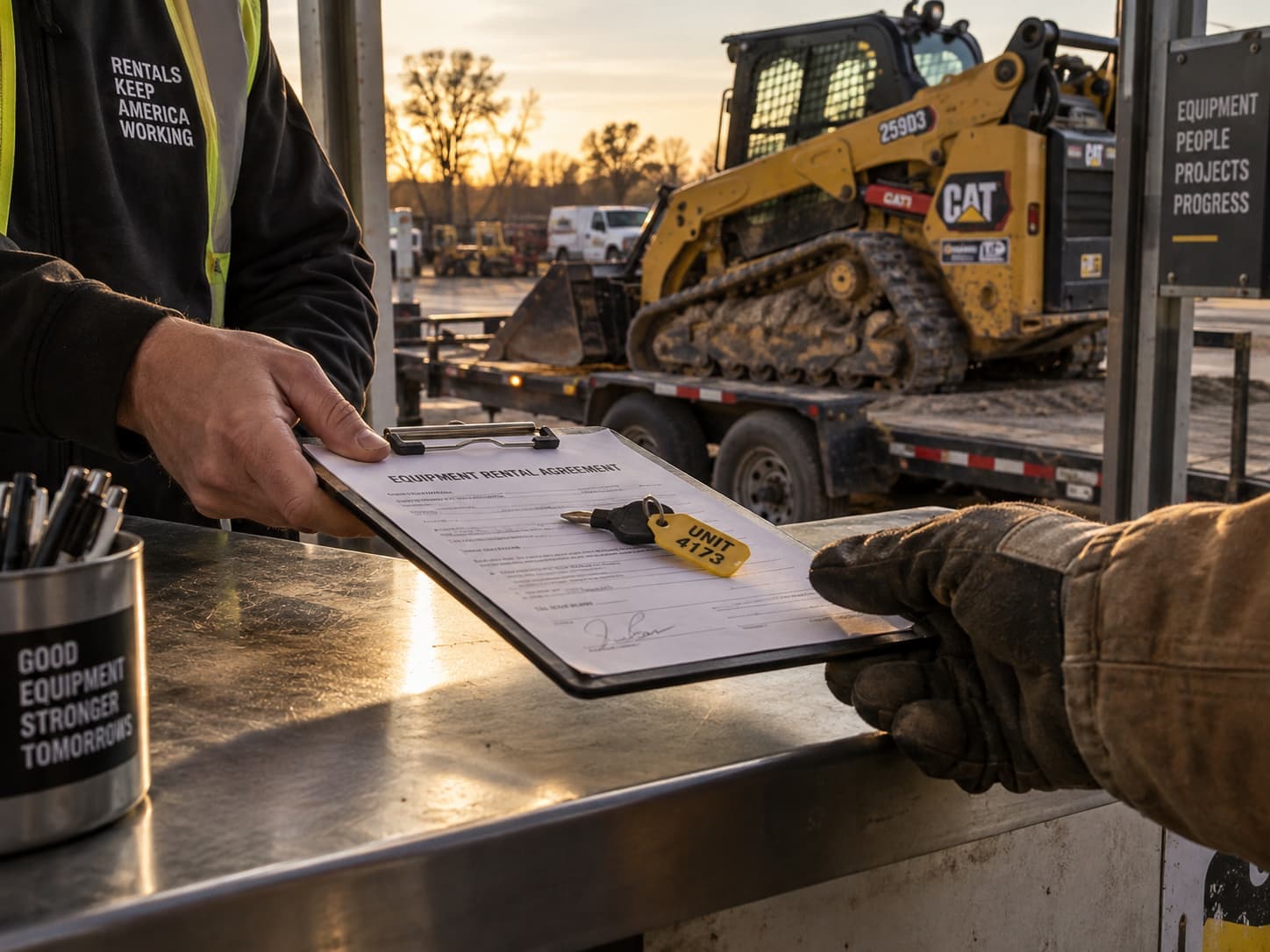
The check-out is the first handoff, and the easiest one to rush. Before a unit leaves the yard, three things should be recorded against the contract: the hour meter reading, the time it left the yard, and the job-site address it is going to. That address becomes a geofence, so you know when the unit arrives and whether it stays.
Definition: Geofence
A virtual boundary drawn around a real location, such as your yard or a customer's job site. When a tracked unit crosses the boundary, the platform logs the time and can send an alert.
Through your RMS, this happens as part of the contract. Hapn's Point of Rental integration handles yard and job-site zones with automatic arrive and leave detection, and it can send the customer a live tracking link for the delivery. The Quipli integration pulls hour meter readings automatically at on-rent, return, and inspection steps.
The same idea scales beyond the counter. C3 Rentals, which finances trailers through hundreds of dealerships, uses Hapn's API to create geofences from shipping addresses the moment a new loan is created, so every trailer is tracked from day one without anyone setting it up.
Track every unit per asset, not per yard
Tell us what is in your fleet. We send a custom quote, usually within 24 hours.
Get Hapn pricing →4. While it's on rent: watch three exceptions, not every dot
Nobody at a rental house has time to stare at a live map. The point is to be told when something is wrong, and three exceptions cover most of the revenue at risk.
The unit leaves the job site
A geofence exit mid-contract means the equipment moved somewhere you did not quote: a second site, a sublet, or a trailer headed the wrong way. Movement after hours makes the case stronger. You find out that night, not at the end of the month.
The unit runs outside metered hours
Single-shift rental rates commonly assume 8 hours a day or 40 hours a week. Engine-hour data showing 12-hour days is billable overage, and it is also the record that settles a wear or damage dispute. We cover both sides in detail: billing equipment overages with telematics and rental equipment damage tracking.
The contract ends and the unit keeps moving
An expired contract with a unit still working is unbilled rental time. The Point of Rental integration flags overdue rentals that are still moving, so the counter can extend the contract or dispatch a pickup the same day. For units that should not be running at all, a starter interrupt lets you keep the machine from being restarted.
5. Check-in: verify off-rent before you close the contract
A customer calling a unit off rent is not the same as the unit being back. The gap between the two is where equipment sits on a finished job site for a week while your counter turns away the next customer who needed it.
Definition: Off-Rent Verification
Confirming, from location and hour data, that a unit called off rent has stopped working and is either staged for pickup or back inside your yard before the contract is closed and billing stops.
A clean check-in has four steps:
- Confirm location. The unit is inside your yard geofence, or staged at the pickup point, not still on the job.
- Confirm it stopped. No engine hours logged since the off-rent call.
- Record the return hour meter. Compare hours used against what the contract allowed.
- Inspect and set status. Back to "in yard" if it is ready, or "down for service" so nobody books it.
Then run one audit a week that catches what the daily process misses: every unit marked "in yard" whose last location is not a yard, and every unit marked "on rent" that has not moved or run in days. The first list is your loss risk. The second is your utilization problem.
6. Between rentals: service on hours, not the calendar
A lift that spent a month running double shifts needs service sooner than one that sat in the yard, and engine hours show that where a calendar cannot. Through the Point of Rental integration, teams can open a maintenance task when a unit's hours hit a service threshold, and the "down for service" status keeps it off the booking calendar until it is cleared.
7. Put tracking data inside the software you already run
The fastest way to kill a tracking rollout is to give dispatch another login. Hapn is the location-and-status layer under your RMS, not a replacement for it. Location, hours, and zone events flow into Point of Rental, Quipli, and Renterra, and the open API covers the systems in between.
Watch the billing model when you add tracking. Many rental and dealer software tools price per site, which means every new yard raises the bill. Hapn prices per asset, so opening a third branch with 40 units adds 40 subscriptions, not a new license. We break down the math in per-asset vs per-site pricing, and the operating side in multi-yard equipment tracking.
8. What rental equipment tracking costs
Here is an illustrative 200-unit mixed rental fleet at Hapn's published starting prices. Your quote will depend on fleet size and mix, and volume discounts apply.
| Illustrative fleet segment | Units | Per asset/mo | Monthly |
|---|---|---|---|
| Trailers, attachments, scaffolding bundles | 50 | $10 | $500 |
| Lifts, telehandlers, compact equipment | 120 | $13 | $1,560 |
| Excavators, loaders, generators | 30 | $18 | $540 |
| Total | 200 | $2,600 |
There are two ways to buy, both billed per asset: a 3-year agreement with all trackers and installation kits included at no cost, or a 1-year agreement with hardware purchased at cost.
To put the number in context, again as an illustration: one boom lift sitting three weeks past an expired contract at a $900 weekly rate is $2,700 of rental time you never billed. That is roughly a month of tracking for the entire 200-unit fleet above, recovered by catching a single unit.
About the author
Written by the Hapn team. Hapn is a GPS equipment and asset tracking platform built for equipment rental companies, multi-yard dealers, and equipment financing companies, with per-asset pricing and integrations with Point of Rental, Quipli, and Renterra.
Frequently Asked Questions
What is rental equipment tracking?
Rental equipment tracking is the process of knowing where every rental unit is, whether it is working, and what status it is in, from check-out to return. It combines a unique ID for each unit, GPS or telematics hardware matched to the asset, and recorded location and hour meter readings at each handoff. The goal is to bill every hour used and never lose track of a unit between contracts.
How do you track rental equipment that has no power source?
Use battery-powered GPS trackers, which need no wiring and mount directly on trailers, scaffolding bundles, attachments, and containers. Hapn's battery trackers for unpowered assets last up to 7 years and start at $10 per asset per month. For racked or covered yard inventory, zone-level tags add visibility where GPS alone struggles.
How do you confirm a rental unit is off rent?
Check the tracking data before closing the contract. The unit should show no engine hours since the off-rent call and a location inside your yard or at the agreed pickup point. If it is still logging hours or sitting on the job site, it is not off rent yet, and billing should continue.
Does Hapn work with Point of Rental, Quipli, or Renterra?
Yes. Hapn integrates with Point of Rental, Quipli, and Renterra, so location, hour meter readings, and zone events appear inside the rental software your team already uses. Hapn also offers an open API for other systems. Setup details vary by platform, and each integration page lists what syncs.
Does Hapn charge per yard or per asset?
Per asset. Pricing starts at $10 per month for battery-powered asset tracking, $13 for equipment tracking with engine hours, and $18 for full telematics, with volume discounts for larger fleets. Opening another yard adds only the units you track there, never a per-site license.
See what tracking your rental fleet costs
Per-asset pricing, hardware included on 3-year agreements, and data inside the RMS you already run.
Get your custom quote →Last Updated: September 11, 2026
Explore Hapn on a live equipment fleet
Click around the real platform — a live mixed fleet with dummy data. No sales call, takes a few minutes.

Get the latest news straight to your inbox.
Share Article
